

Key Takeaways
Why GPS Alone Isn't Enough
Navigation apps have made driving in unfamiliar cities far more manageable - but they've also created a new kind of driver: one who can follow turn-by-turn instructions yet has almost no mental picture of where they actually are. That gap matters when the app freezes, gives a late instruction, or routes you into a lane you can't safely take.
Over-reliance on GPS also pulls your attention toward a screen rather than the road ahead. Research on distracted driving consistently shows that cognitive load - including voice-guided navigation - can reduce how much of the driving environment a driver actually processes. See how this connects to broader attention habits in our guide on scanning the road effectively.
The goal isn't to ditch GPS. It's to use it as a backup layer, not your only layer.
“The map is not the territory. Navigation tools show you a representation of a route - but driving safely means staying present in the actual environment, not the screen version of it.”
— Cars & Driving Editorial Team, Automotive journalists and practical driving educators
Prepare Before You Pull Out
The most effective navigation decisions happen before you start the engine. Spending five to ten minutes studying your route removes the need to decode instructions at 35 mph in traffic.
Study your route end-to-end before leaving, not just the first few turns.
When you have a mental map of the full journey - major roads, the general direction of travel, key decision points - you can anticipate what's coming instead of reacting to it. This reduces the cognitive scramble that causes hesitation and last-minute lane changes.
Identify the cardinal direction you'll be traveling at the start of each trip.
Knowing you're heading generally east or south gives you a reliable mental anchor that persists even if your phone loses signal or you make a wrong turn. Street signs, sun position, and landmarks all become more useful when you have a directional frame of reference.
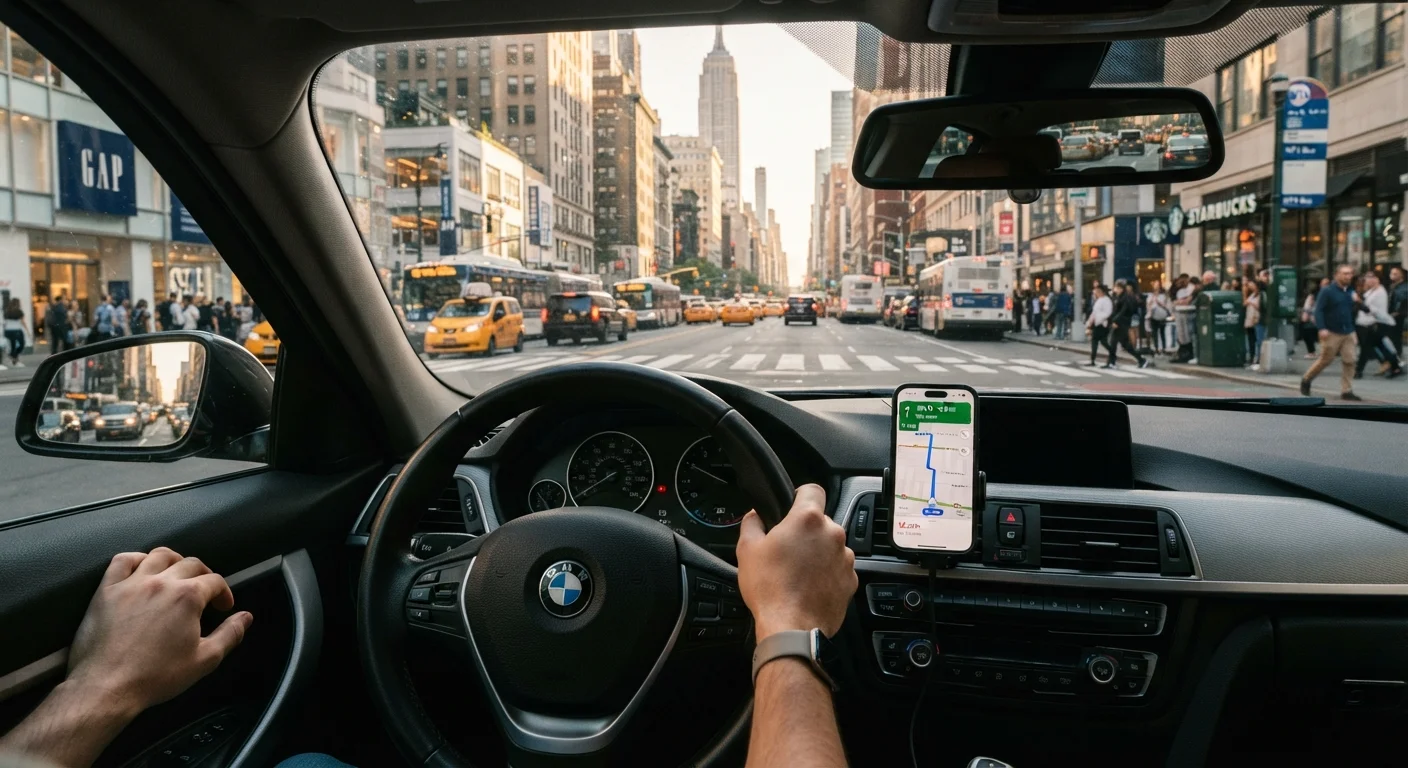
Set your GPS to audio-only and keep the screen face-up but glanced at, not stared at.
Visual attention on a screen - even a mounted one - takes your eyes off the road. Audio instructions let you process navigation information without a sustained gaze shift. Reserve screen glances for confirming what you already heard.
Pick one or two physical landmarks near your destination before you depart.
Apps can route you to a coordinate that's technically correct but practically confusing - a side entrance, a one-way approach, a parking structure entrance. A landmark gives you human-scale confirmation that you've arrived in the right area.
Give yourself a buffer of time so navigation errors don't create pressure.
Time pressure is one of the most reliable triggers for risky driving decisions - speeding up to catch a missed turn, cutting across lanes, ignoring a yield. Building in 15-20 extra minutes in an unfamiliar city removes that pressure entirely.
If you're planning a longer trip into an unfamiliar area, it's also worth thinking through the broader logistics in advance - our article on trip planning pitfalls that catch beginners off guard covers common oversights that apply whether you're driving or flying.
Quick Habits You Can Start Using Today
You don't need to become a human compass overnight. A few small adjustments to how you approach an unfamiliar drive can dramatically reduce stress and improve safety.
~20%
GPS error rate in complex urban environments
Studies on navigation accuracy in dense city grids suggest GPS positional errors of up to 20 meters are common near tall buildings, affecting turn-by-turn reliability.
4-5 sec
Average eyes-off-road time per GPS glance
Traffic safety research suggests that glancing at a screen for four to five seconds at 30 mph covers the length of a city block - enough to miss a pedestrian or a light change.
Staying Oriented While You're Moving
Once you're on the road, active orientation - not passive listening to GPS prompts - keeps you in control. City environments in particular demand more frequent attention shifts than highway or rural driving. For a deeper look at how your approach should shift between environments, see city driving vs. rural driving.
Glance Up at Every Intersection
Make it a habit to look up from the navigation screen and scan the full intersection each time you approach one in an unfamiliar area. Check for pedestrians, cyclists, crossing traffic, and signage before acting on the GPS instruction. This one habit catches the situations where the app's timing is slightly off - which happens more often in cities than on highways.
Use physical landmarks rather than relying purely on street names. A tall building, a bridge, a park, or a distinct intersection gives you an anchor point that no signal dropout can take away. When you know a landmark is to your left and the highway is to your north, you can self-correct even if the app loses you.
And if you genuinely lose your bearings: signal, find a safe place to pull over, and take 60 seconds to reorient. That pause is never wasted time - it's the decision that prevents a wrong-lane merge or a missed exit at speed.
When to Pull Over and Regroup
If you've missed a turn, feel genuinely lost, or the app is rerouting in a confusing way, the safest move is always to find a legal parking spot or lot and pause. Trying to recover a navigation error while moving in traffic - especially in an unfamiliar city - significantly increases the risk of a lane mistake or sudden stop. A 60-second reset parked safely is not wasted time; it's good judgment.
For a fuller picture of the skills that come together when driving in unfamiliar places, this complete overview of driving skills is a solid reference to revisit.