

Key Takeaways
The Internet vs. The Web
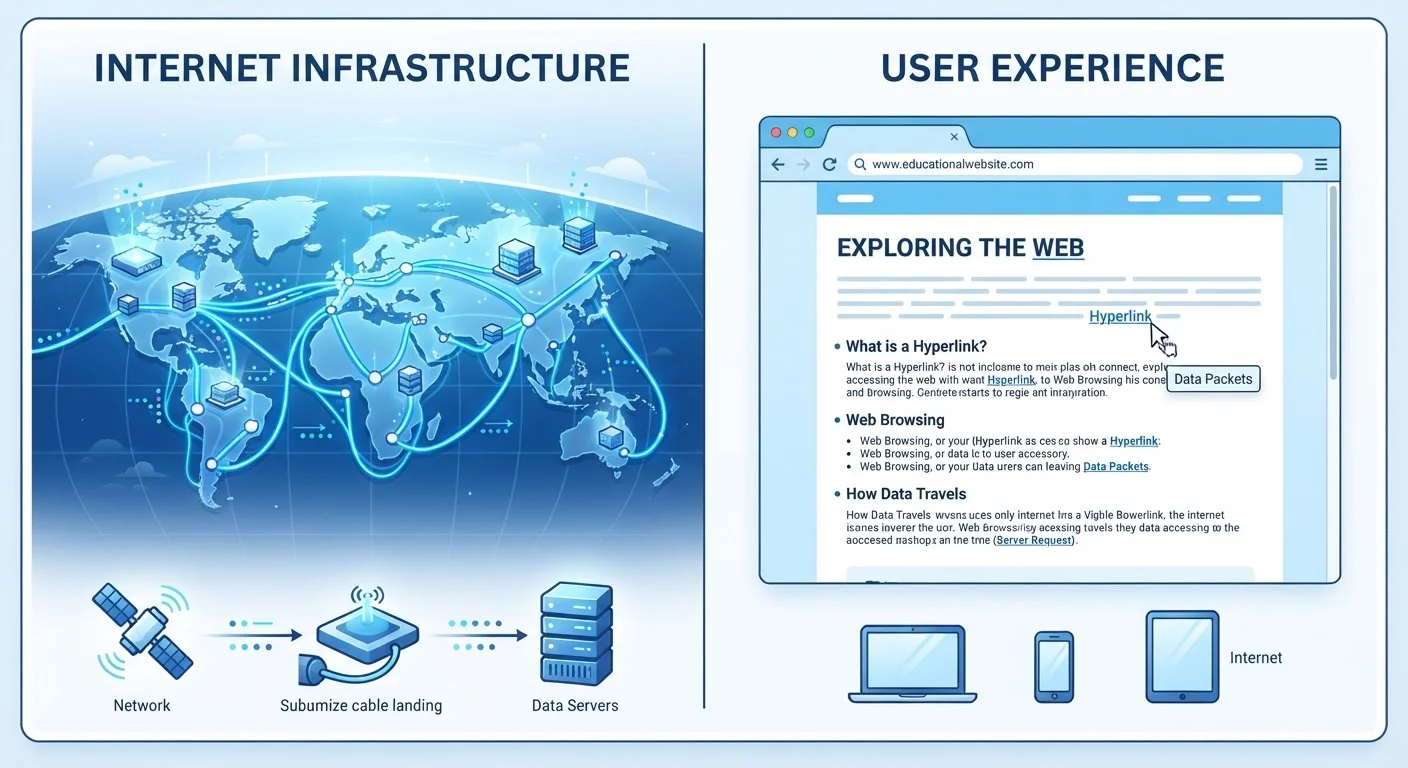
The internet is a massive global network of computers and devices connected together through cables, routers, and wireless signals. The web - short for the World Wide Web - is one service that runs on top of that network, made up of websites and pages linked together through your browser. Think of the internet as the road system and the web as just one type of vehicle that uses those roads.
Other services that use the internet - such as email, file transfer protocols (FTP), and online gaming - are separate from the web and do not require a browser to function.
Why the Confusion Exists
Most people use "the internet" and "the web" as if they mean the same thing - and in everyday conversation, that usually works fine. But these two terms describe genuinely different things, and mixing them up can make learning about technology harder than it needs to be.
The confusion is understandable. For many people, the first thing they do when connecting to the internet is open a browser and visit a website. That tight habit loop makes it feel like the internet is the web. It isn't - and the distinction is actually straightforward once you see it clearly.
Similar mix-ups happen in other areas of knowledge. For instance, mental well-being and mental health are also commonly treated as interchangeable terms when they describe related but different concepts. Getting the vocabulary right matters in both cases.
Internet Access Doesn't Require a Browser
Many people assume that if they can open a browser, they are "on the internet" - and if the browser fails, the internet must be down. In reality, your device may still be connected to the internet even when a browser or website isn't working. The issue is often with a specific service or app, not the network itself.
What the Internet Actually Is
The internet is a global network - a vast system of interconnected computers, servers, routers, and cables (including undersea fiber-optic cables) that allows devices to communicate with each other. It is the physical and digital infrastructure that makes online communication possible at all.
It was not built all at once. Its roots go back to ARPANET, a US government-funded research network developed in the late 1960s. Over decades, it grew into the worldwide public network billions of people depend on today.
The internet carries many different types of traffic and supports many different services. Email, online gaming, video calls, file transfers, and yes - the web - all travel over the internet. But none of those services is the internet. They are passengers on the same road system.
For a deeper look at how your device physically connects to all of this, see our guide on Wi-Fi, data, and Ethernet.
5.4 billion
Internet users worldwide
According to the International Telecommunication Union, approximately 5.4 billion people were using the internet as of 2023.
1991
Year the first public website launched
Tim Berners-Lee published the first publicly accessible website in August 1991, marking the beginning of the public World Wide Web.
Billions
Indexed web pages estimated
Web indexing projects estimate the publicly accessible web contains billions of individual pages, with the full web - including unindexed content - being significantly larger.
What the Web Actually Is
The World Wide Web is a system of documents - web pages - that are linked together using something called hyperlinks. When you click a link on a website and jump to another page, you are navigating the web. The web lives on top of the internet; it uses the internet's infrastructure to deliver those pages to your browser.
The web was invented by British computer scientist Tim Berners-Lee in 1989. He proposed a way of connecting documents stored on different computers so researchers could share information easily. By 1991, the first website was publicly accessible.
Three core technologies make the web work:
- HTML (HyperText Markup Language) - the code that structures web page content
- HTTP/HTTPS (HyperText Transfer Protocol) - the rules governing how pages are requested and delivered
- URLs (Uniform Resource Locators) - the addresses that point to specific pages
Your browser - whether Chrome, Firefox, Safari, or another - is the tool you use to request and display web pages. The browser itself is neither the internet nor the web; it is simply the interface between you and web content.
Putting It Together: What This Means for You
Understanding this distinction helps make sense of a lot of everyday tech situations. When your email app stops working but websites still load, the problem is likely with the email service - not the internet. When an app update downloads in the background while you are not browsing, that is the internet at work without the web being involved at all.
It also helps when reading about tech topics. Terms like "internet outage," "web traffic," and "internet service provider" each mean something specific - and now you have the grounding to tell them apart.
If you want to keep building your digital vocabulary, our overview of common tech terms that sound complicated but aren't covers many more concepts in the same plain-language format. And if you use a browser's private mode and wonder exactly what it protects you from, what people get wrong about private browsing is worth a read.
A Simple Way to Remember the Difference
Picture the internet as a highway system and the web as just one type of vehicle - say, a bus - that uses those highways. Email, apps, and gaming are other vehicles on the same roads. You can travel the highways without ever taking the bus, and the highways exist whether or not the bus is running.