

Key Takeaways
Why Household Paperwork Gets Out of Hand So Quickly
The average US household receives a significant volume of mail, forms, and documents every week - utility statements, school notices, medical explanations of benefits, product warranties, insurance renewals, and more. Without a defined system for each piece of paper, every item becomes a small decision that gets deferred. Deferred decisions stack up, and stacks become the anxiety-inducing piles that seem to multiply on their own.
The good news is that the fix doesn't require expensive supplies or a full weekend. Most households need only a basic physical filing system, a consistent weekly habit, and a simple digital backup for the most critical documents. The goal isn't a magazine-perfect home office - it's a system that makes you confident you can find what you need when you need it. Managing clutter in one area of the home often has a positive spillover effect; if paper chaos also affects other spaces, our guide to reclaiming cluttered kitchen spaces covers similar low-friction strategies.
What you will need
What You'll Need Before You Start
The tools required are minimal and inexpensive. Resist the urge to buy elaborate organization products before you understand your actual volume of paperwork - a simple accordion folder often outperforms a complex system that's hard to maintain.
Accordion file folder or hanging file box
Holds sorted paper documents in labeled categories so you can retrieve them quickly.
Cross-cut paper shredder
Safely destroys documents containing personal or financial information before disposal.
Smartphone scanner app (e.g., your phone's built-in document scan feature)
Captures clear digital images of paper documents for cloud or local storage backup.
Cloud storage account
Stores digital copies of important documents so they're accessible from any device.
Label maker or adhesive labels and a marker
Clearly marks folders and categories so the system stays intuitive for everyone in the household.
Small inbox tray or basket
Serves as a single landing zone for all incoming mail and paperwork before it's sorted.
Go Paperless Where It Makes Sense
Many utility providers, banks, and insurers offer paperless billing and statements. Opting in reduces incoming mail dramatically and means records are stored on the provider's platform. Just make sure you have a reliable way to access those accounts - and download annual statements to your own storage as a backup.
Step-by-Step: Building Your Document System
Follow these steps in order. The first two - creating a landing zone and doing the initial purge - are the most time-consuming and should ideally be done together in one sitting. Steps three through five build the lasting structure.
Create a single landing zone for incoming paper
The root cause of most paper piles is that mail and documents land in random spots - the kitchen counter, the coffee table, a coat pocket. Fix this first by designating one small tray, basket, or drawer as the only place paper goes when it enters the home. Everyone in the household should know where it is. This isn't where documents live permanently; it's just their first stop. For households navigating different tidiness preferences, see how to create shared organization systems that stick.
Do a one-time purge using the Act-File-Shred method
Take your full pile of accumulated paper and sort every single sheet into one of three categories:
- Act: Needs a response or action soon - a bill due this week, a form to complete, a permission slip to sign.
- File: Worth keeping for reference - insurance documents, warranties, tax records, lease agreements.
- Shred or recycle: Junk mail, expired coupons, duplicate copies, anything you'll never need again.
Work quickly - don't get stuck deliberating over every item. If you're genuinely unsure, place it in the File pile temporarily. The goal is to clear the clutter, not achieve perfection on the first pass. If this feels like a lot, the approach in our one-box decluttering guide may help you pace yourself.
Set up a simple physical filing system
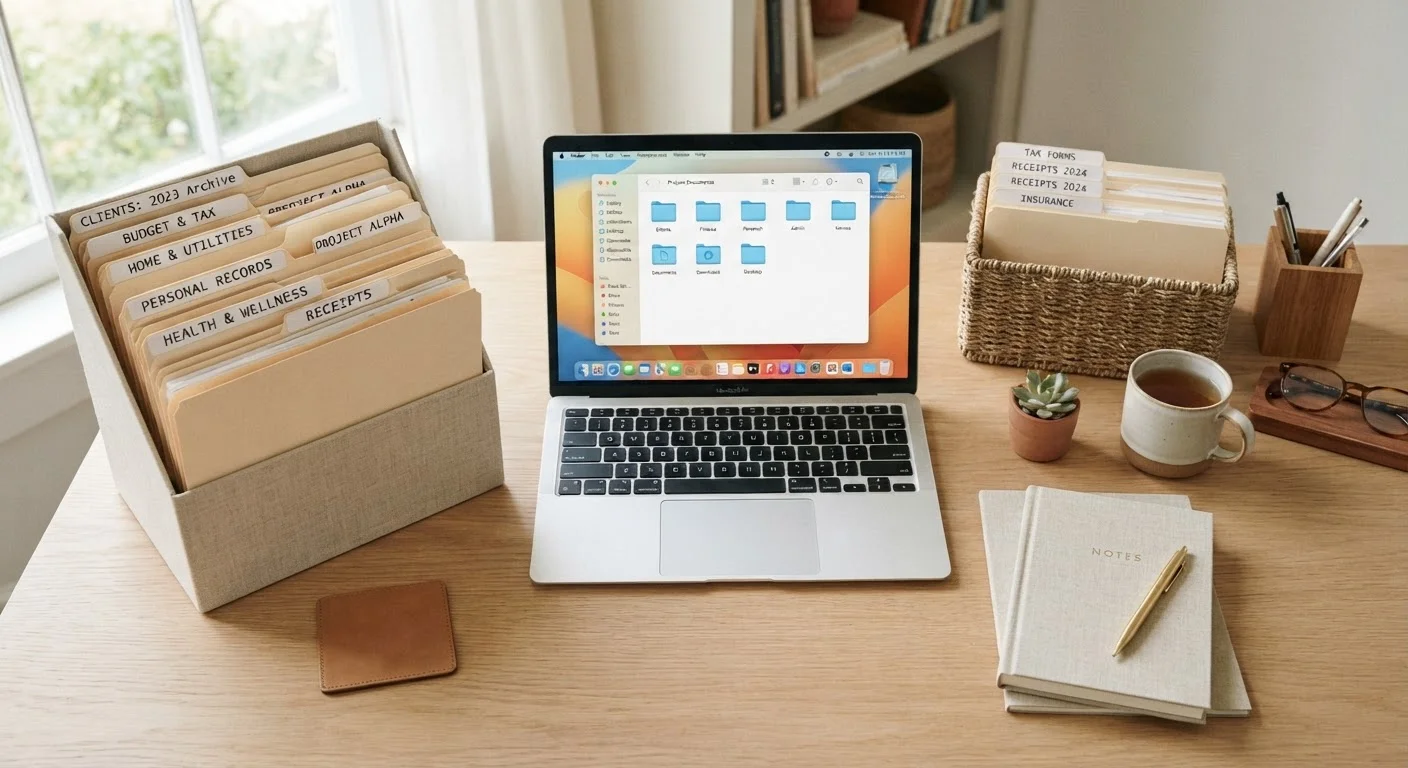
You don't need a four-drawer steel cabinet. An accordion file folder or a small hanging file box with eight to ten labeled categories is plenty for most households. Common categories include:
- Home (lease, mortgage, utility accounts)
- Insurance (health, auto, renters/homeowners)
- Medical (explanation of benefits, vaccination records)
- Taxes (returns and supporting documents)
- Vehicles (see note below)
- Warranties and manuals
- Financial accounts (bank statements, loan documents)
- School and childcare
Label each folder clearly. Place the system somewhere you'll actually use it - not a closet shelf you never open.
Scan and back up your most important documents
Physical files can be lost in a fire, flood, or move. For your most critical documents - passports, birth certificates, insurance policies, tax returns, lease agreements - create a digital backup. Most smartphones now include a built-in document scanner in the camera or notes app that produces clear, readable PDFs. Save scanned files to a cloud storage service or an external hard drive (or both). Name files descriptively: 2023_tax_return.pdf is far easier to find than scan001.pdf. Keep your digital folder structure parallel to your physical one so the system feels consistent.
Process your inbox tray once a week
Set a recurring five-minute habit - Sunday evening, Monday morning, whatever fits your routine - to clear the landing zone tray. For each item: act on it immediately if it takes under two minutes, file it in the correct folder, or shred and recycle it. That's the entire system. The weekly habit is what prevents the pile from returning. Consider pairing this task with something you already do - making coffee, watching the evening news - so it becomes automatic rather than a chore.
Protect Sensitive Documents Carefully
Documents containing Social Security numbers, account numbers, or signatures should never go into a regular recycling bin. Cross-cut shredding (which cuts paper into tiny confetti-like pieces) is the safest way to dispose of sensitive paperwork. Many office supply retailers and community organizations offer periodic free shredding events if you don't own a shredder.
Don't Discard These Documents Prematurely
Tax returns and supporting documents are generally recommended to keep for at least seven years in case of an audit, though individual circumstances vary. Medical records, insurance policies, and anything related to property ownership should be kept for the life of the relevant asset or relationship. When in doubt about a specific document, consult a financial or legal professional before discarding.
Keeping the System Working Long-Term
A document system only works if it's easier to use than the alternative (piling). The two biggest threats to long-term success are categories that are too vague (a folder labeled "Misc" will swallow everything) and the absence of a routine to process incoming paper. Revisit your folder labels every six months and rename or split any category that's become a catch-all.
Once or twice a year, do a brief purge of your files - pull out anything expired, fully resolved, or superseded by a newer document. Reducing mental load from household clutter is a genuine contributor to everyday well-being; the mental well-being strategies hub covers broader approaches if paper organization is part of a larger effort to reduce stress at home. Small, consistent habits - not heroic weekend reorganizations - are what keep a household running smoothly over time.