

Key Takeaways
The Cloud
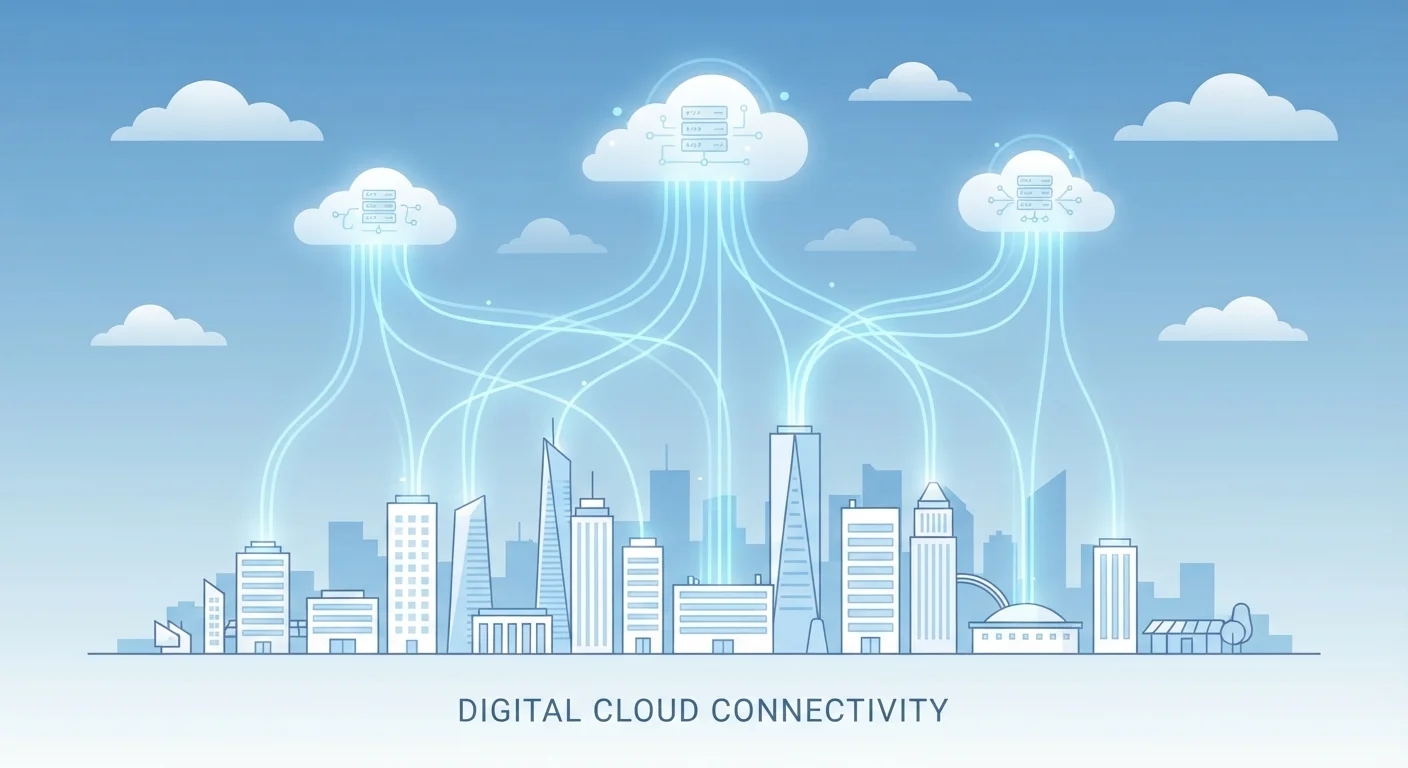
"The cloud" refers to computing services - like storing files, running software, or processing data - that happen on remote servers rather than on your own device. Those servers are owned and maintained by companies, and you access them over the internet. When you save a photo to Google Photos or stream a movie on Netflix, you are using the cloud.
Cloud infrastructure is built on large data centers containing thousands of physical servers, often distributed across multiple geographic regions to ensure reliability and speed.
The Simplest Way to Think About the Cloud
The phrase "the cloud" sounds abstract - almost mystical. But the concept behind it is straightforward: instead of saving files or running programs on your own computer, you're doing those things on someone else's computer, located in a data center, accessible to you over the internet.
Think of it like renting a storage unit instead of keeping everything in your garage. Your belongings (files, photos, documents) are physically somewhere else, but you can retrieve them whenever you need them. The internet is the road you travel to get there.
If you've ever sent an email using Gmail, edited a document in Google Docs, or watched a show on a streaming service, you've used the cloud. The software and your data weren't sitting on your laptop - they were running on powerful servers miles away.
You Already Use the Cloud
Many people picture the cloud as something only tech-savvy users interact with. In reality, if you use web-based email, a streaming service, or a navigation app, you are already a cloud user. The technology is embedded in daily digital life - understanding what's happening behind the scenes simply helps you make more informed choices about your data.
What Are Cloud Servers, Actually?
Behind every cloud service is a data center - a large facility filled with racks of physical servers running around the clock. Major cloud providers operate dozens of these facilities worldwide, often in locations chosen for reliable power, cooling efficiency, and network connectivity.
When you upload a photo to iCloud or save a spreadsheet to OneDrive, that file travels over the internet to one of these facilities and gets written onto a physical hard drive or solid-state drive - just like the storage inside your phone or laptop, but at a much larger scale.
60%+
Corporate data stored in the cloud
Industry analysts have estimated that more than 60% of corporate data is stored in cloud environments, a figure that has grown steadily over the past decade.
~4 billion
Global cloud service users
Research firms estimate roughly 4 billion people use some form of cloud service - from email to streaming - making it one of the most widespread technologies in everyday life.
Redundancy is a key feature: cloud providers typically store multiple copies of your data across different servers and sometimes different locations, so if one machine fails, your files remain accessible. This is one reason cloud storage is often more reliable than a single personal hard drive.
Cloud Storage vs. Cloud Computing: What's the Difference?
These two terms often get blurred together, but they describe different things.
- Cloud storage is about saving and retrieving files remotely. Services like Dropbox, Google Drive, and iCloud fall into this category. Your device sends files to a remote server; you access them whenever needed.
- Cloud computing is broader. It means running software, processing data, or performing tasks on remote servers rather than on your local machine. When a business runs its accounting software through a web browser instead of installing it on every employee's computer, that's cloud computing.
For most everyday users, cloud storage is the part that matters most. Understanding the difference helps when you encounter these terms - and you can find plain-language explanations of more terms like these in our guide to common tech terms that sound complicated but aren't.
The Real Trade-Offs of Using the Cloud
The cloud is genuinely useful, but it's worth understanding what you're exchanging for that convenience.
What you gain:
- Access your files from any device with an internet connection
- Automatic backups in many services, reducing the risk of losing data
- Collaboration features - multiple people can work on the same document simultaneously
What you give up or take on:
- Your files are on servers you don't control, subject to the provider's privacy policies
- You need internet access to reach most cloud-stored content
- Free tiers often have storage limits; more space usually means a subscription fee
Back Up in More Than One Place
Relying on a single cloud service for important files carries some risk - accounts can be locked, services can change, and internet outages happen. Consider keeping copies of critical documents both in the cloud and on a local drive. This two-location approach, sometimes called the "3-2-1 backup rule," gives you meaningful protection.
Deciding whether to keep files on your device or in the cloud depends on your habits and needs. For a deeper look at that decision, see our article on smartphone storage vs. cloud storage.